Remote vs. Hybrid vs. In-Office: Furniture Needs for Every Work Model
Austin Frantell · 7 min read · March 17, 2026
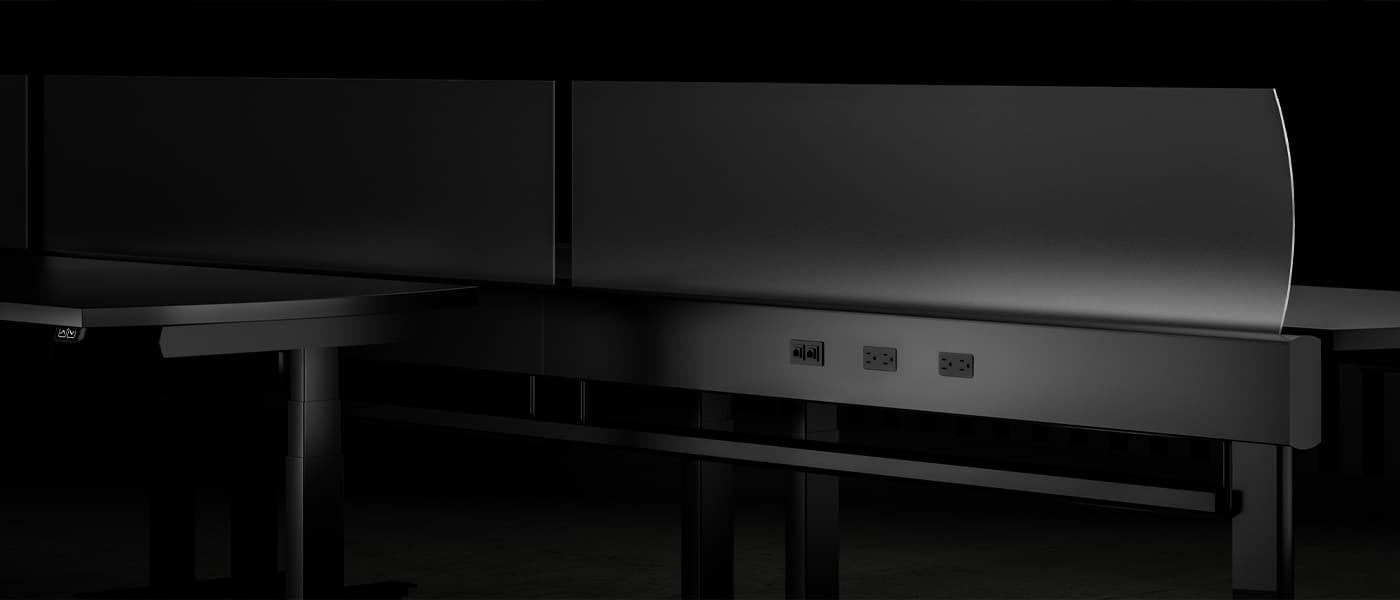
The way your team works determines the furniture you need. A fully in-office team needs assigned workstations for every employee. A hybrid team might need half as many desks but twice as many collaboration spaces. A remote-first company might not need an office at all — just a home office stipend program.
Here's how each work model changes your furniture strategy.
Fully In-Office (5 Days/Week)
The traditional model: everyone has an assigned desk, and the office is designed for 90-100% daily occupancy.
Furniture requirements:
- One dedicated workstation per employee
- Personal storage (pedestal or cabinet) at each station
- Conference rooms sized for full-team meetings
- Standard break room and reception furniture
Key consideration: You're paying for peak capacity. Every desk, chair, and square foot is allocated to a specific person. If someone is sick, traveling, or in meetings all day, their workstation sits empty.
Per-employee furniture budget: $1,500-4,000 (workstation + chair + storage + share of common areas)
Space needed: 150-250 sq ft per employee (use our Space Calculator for a precise estimate)
Hybrid (2-4 Days In-Office)
The most common model post-2020. Employees split time between home and office, typically on a set schedule (e.g., Tuesday-Thursday in office).
This model fundamentally changes your furniture math.
The Desk Ratio
If your team averages 3 days in-office per week with staggered schedules, your peak occupancy is typically 60-75% of headcount. That means:
- 100 employees need only 65-80 desks (not 100)
- Use our Density Calculator to find your optimal ratio
Hot-Desking Furniture Requirements
When desks are shared, furniture needs to be universally adjustable:
- Height-adjustable desks are nearly mandatory. Different people at the same desk need different heights. Electric sit-stand desks ($700-1,200) are the gold standard.
- Highly adjustable chairs that accommodate a wide range of body types. Chairs with intuitive controls are critical — nobody wants to spend 5 minutes adjusting a chair they'll use for one day.
- Monitor arms instead of fixed monitors, so each person can position the screen at their preferred height and distance.
- Personal lockers replace desk pedestals. Employees store their belongings when they leave and retrieve them when they return. Budget $200-500 per locker.
- Docking stations at every desk so laptop users can plug in with a single cable.
More Collaboration, Less Individual Space
Hybrid offices need a different space mix than traditional offices:
- Fewer individual workstations (60-80% of headcount)
- More small meeting rooms (2-4 person huddle rooms for video calls)
- More collaboration zones (couches, standing tables, whiteboard areas)
- Phone booths for private calls (essential when you don't have a private office)
Per-employee furniture budget: $1,800-5,000 (higher per-desk investment due to adjustability, but fewer total desks)
The Technology Bridge
Hybrid offices need furniture that supports technology:
- Conference rooms with integrated AV (cameras, microphones, displays) for hybrid meetings
- AV credenzas and monitor mounts designed for video conferencing equipment
- Power and USB charging integrated into collaboration furniture
- Acoustic treatment for video call areas
Fully Remote (Home Office Stipend)
If your team rarely or never comes to an office, the "office furniture" budget becomes a home office stipend program.
Common Stipend Structures
- One-time setup stipend: $500-2,000 per employee for initial home office setup
- Annual refresh stipend: $200-500/year for replacements and upgrades
- Equipment loan program: Company buys furniture, loans it to employees, reclaims on departure
The average home office stipend in 2026 is $1,000-1,500 for initial setup.
What to Cover
At minimum, a productive home office needs:
| Item | Budget | Recommended |
|---|---|---|
| Desk | $150-300 | $400-800 |
| Chair | $200-400 | $600-1,200 |
| Monitor | $200-350 | $350-600 |
| Keyboard + Mouse | $40-80 | $100-200 |
| Total | $590-1,130 | $1,450-2,800 |
Use our Desk Setup Calculator to build a detailed budget.
Read more in our guide on home office reimbursement.
The Chair Is Non-Negotiable
If you can only fund one item, make it the chair. A bad office chair leads to pain, reduced productivity, and potential workers' comp claims — even for remote workers. Read our analysis of the true cost of a bad office chair.
Making the Transition
From In-Office to Hybrid
- Audit current occupancy — badge data or desk booking software shows actual daily attendance
- Calculate your target desk ratio — typically 0.7-0.8 desks per employee for 3-day hybrid
- Invest in adjustability — replace fixed-height desks with sit-stand, add monitor arms
- Add lockers — personal storage replaces desk pedestals
- Convert freed-up space — turn unneeded workstations into collaboration zones and huddle rooms
- Liquidate excess furniture — our Liquidation Estimator shows what your surplus is worth
From In-Office to Remote
- Establish a stipend budget — $1,000-2,000 per employee is typical
- Create an approved equipment list — ensure ergonomic standards are met
- Decide own vs. loan — stipends are simpler; loans give you more control and are recoverable
- Plan for occasional gathering space — even remote teams need to meet occasionally. Consider coworking memberships or a small "hub" office.
- Liquidate office furniture — consult our Downsizing Calculator to see your savings
The Bottom Line
Your work model is your furniture strategy. Don't furnish a hybrid office like an in-office one (you'll waste money on empty desks), and don't furnish an in-office like a hybrid one (you'll frustrate people who need stable workstations).
Match the furniture to how your team actually works — not how they used to work.
Need help planning? Start a project request and we'll connect you with dealers experienced in your work model.
Working on a project right now?
Request pricing or more information about furniture and project services. Share your scope, location, and timeline, and Austin’s team will follow up.
Request a Quote or Information →Related Articles
Solving the Noise Problem: Acoustic Solutions for Open Offices
Practical acoustic treatments and furniture solutions for noisy open office environments.
7 min readWorkspace PlanningOffice Layout Ideas for Every Budget and Team Size
Open plan, private offices, activity-based, or hybrid neighborhoods — how to choose the right office layout for your team's work style and budget.
7 min readWorkspace PlanningOpen Office vs. Private Offices: The Real Trade-Offs for Commercial Buyers
Beyond the hype and backlash — a practical look at cost, productivity, acoustics, and flexibility when choosing between open and enclosed office layouts.
7 min read